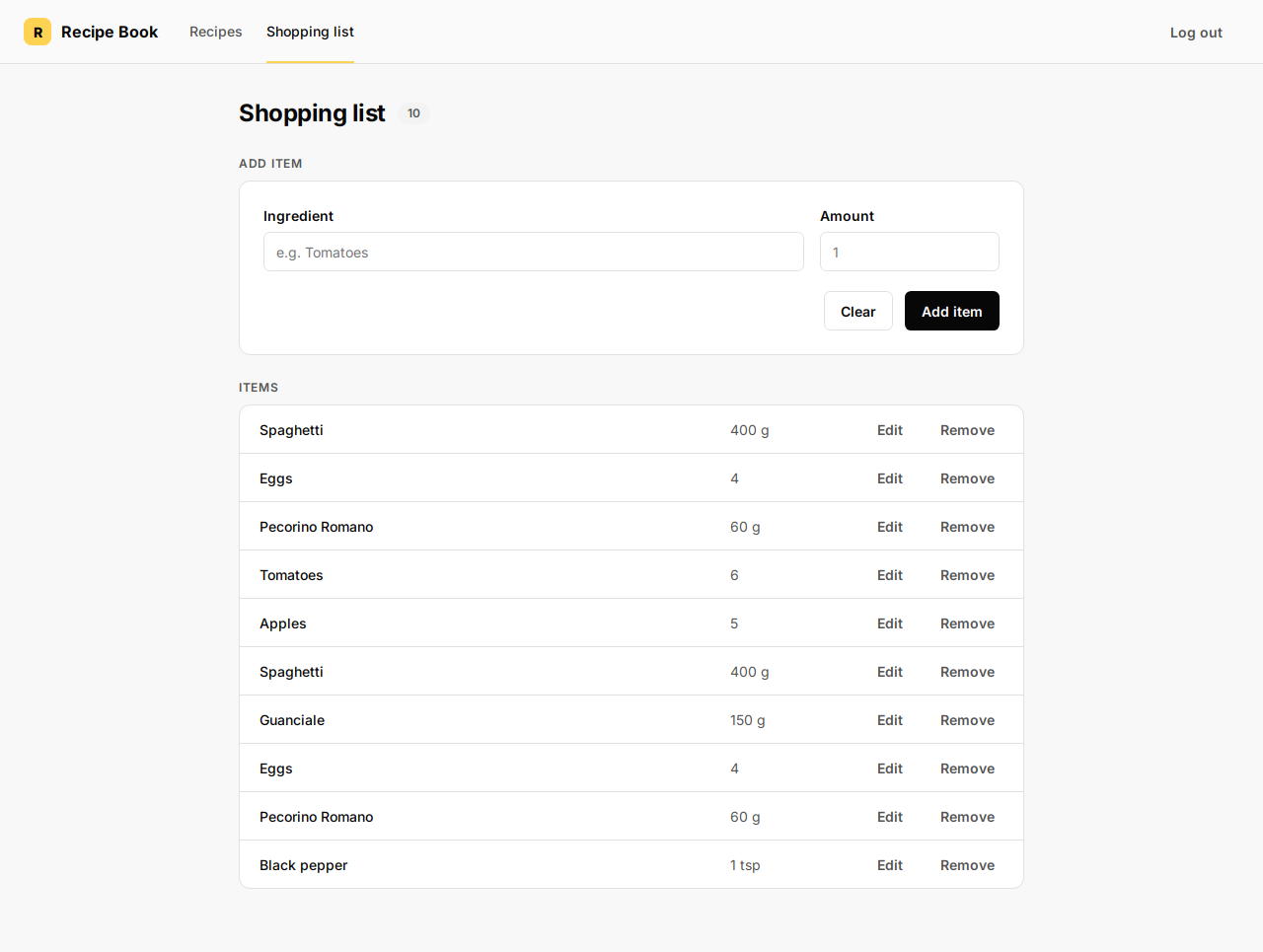
Add a recipe to your shopping list
Add every ingredient from a recipe to Items in one click.
Demo URL: https://demo-angular-22-wgdt.free.ccpve.co.za
Steps
Step 1 — Sign in
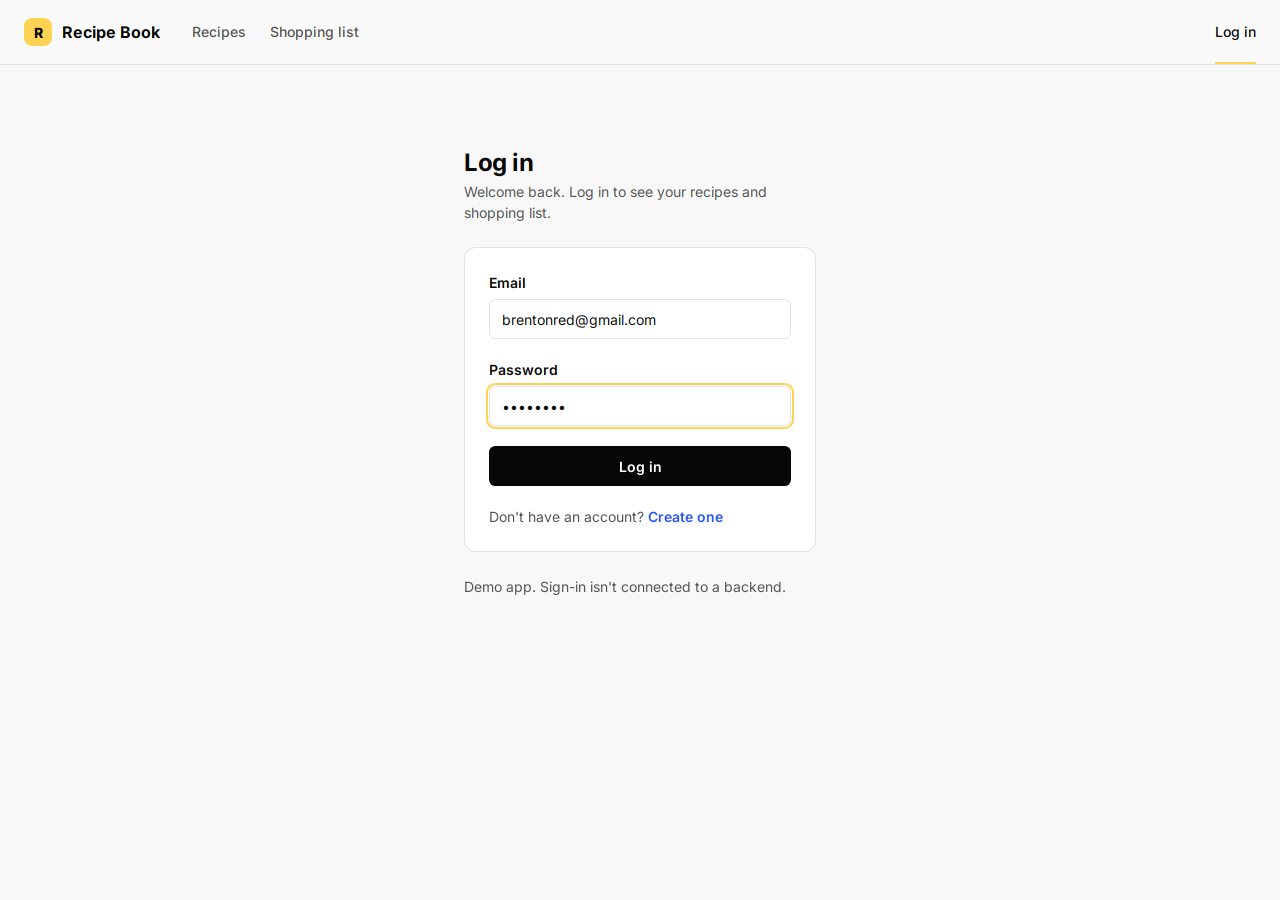
- Open the demo URL. You see the Log in page.
- Type any Email and Password (the demo does not check them).
- Click the blue Log in link inside the white card (not the small Log in tab in the top-right header).
You land on Recipes.
Step 2 — Choose a recipe
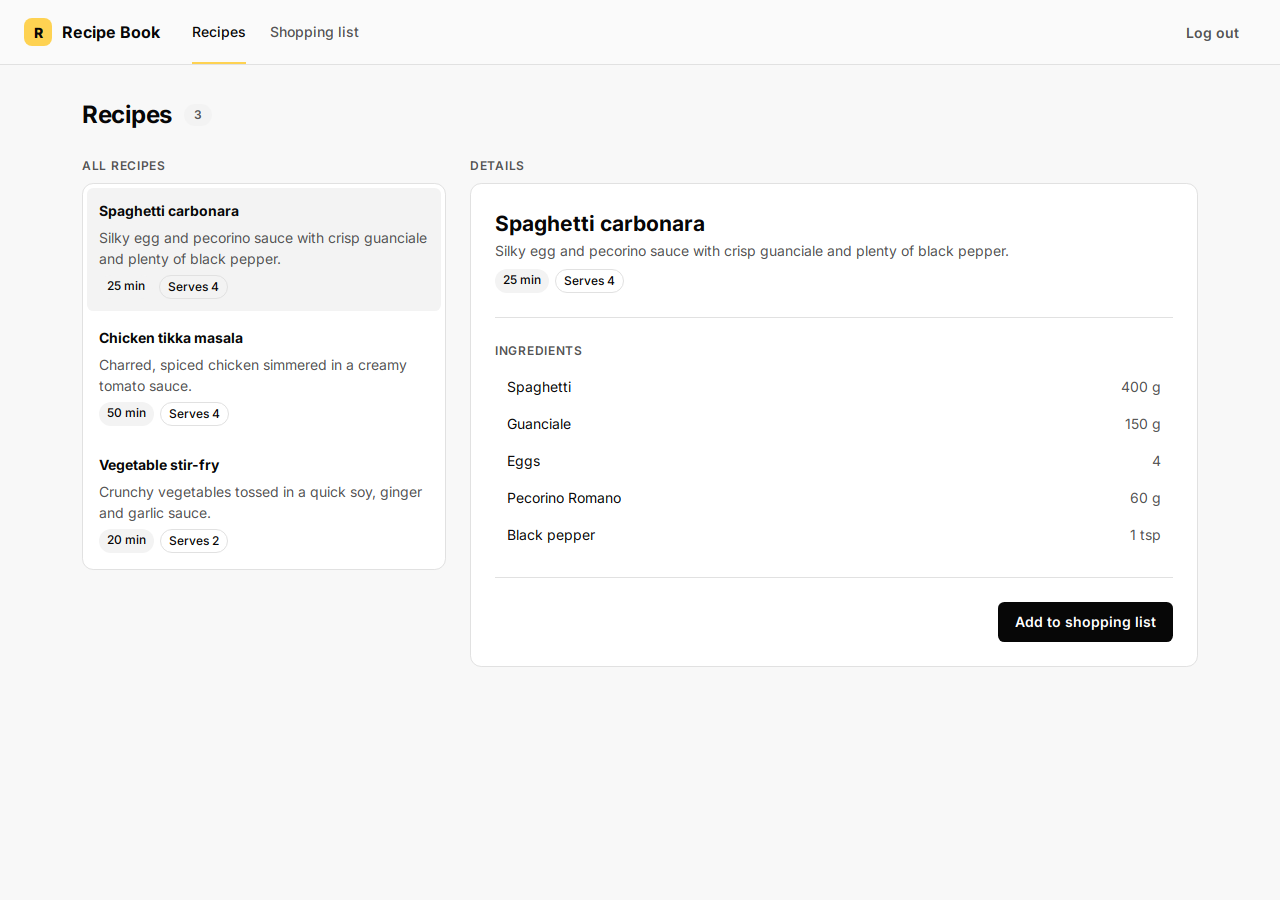
Under All recipes, click the recipe you want, for example Spaghetti carbonara.
The Details panel on the right updates.
Step 3 — Check ingredients
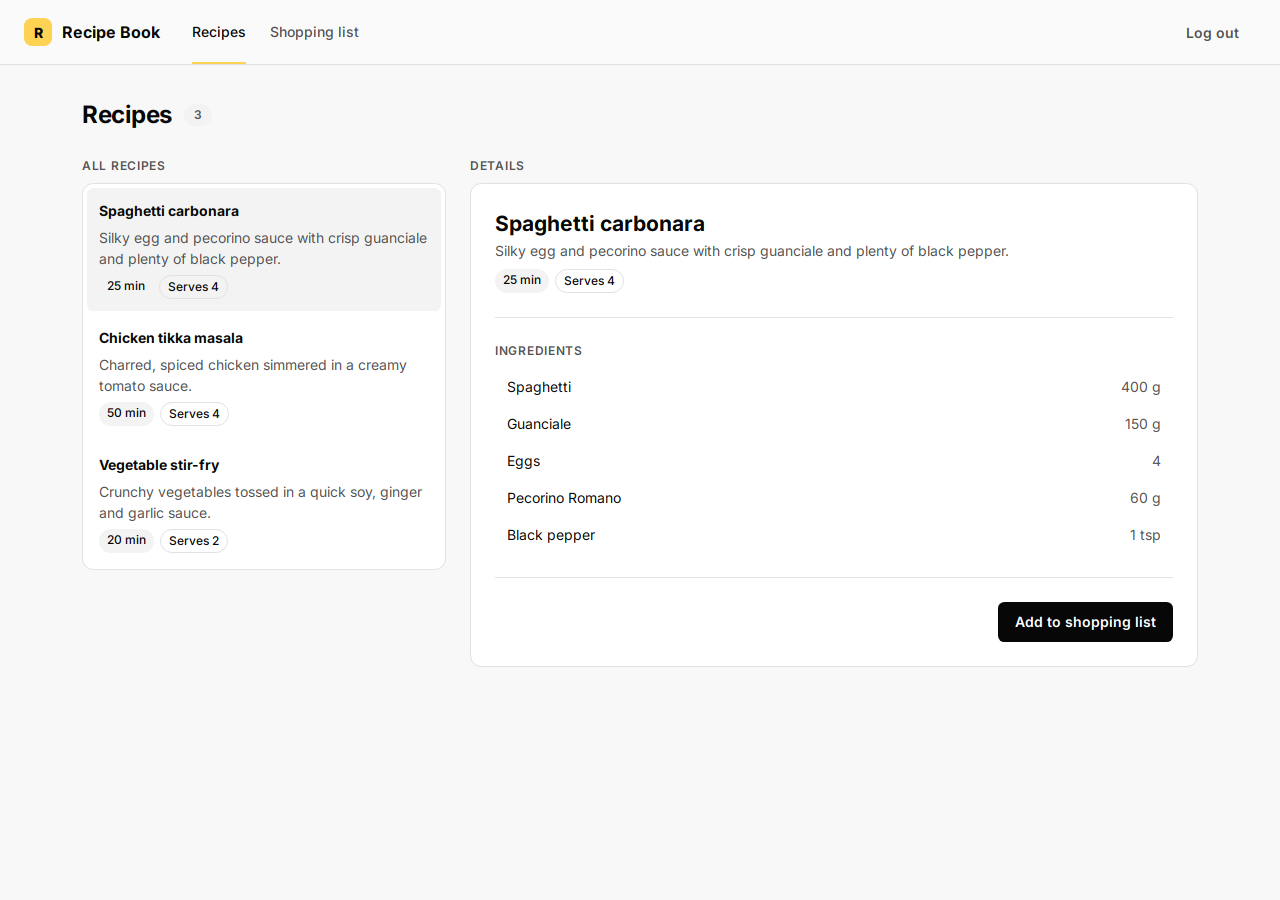
Under Details, read the Ingredients list to confirm what will be added.
Step 4 — Add to shopping list
Click the blue Add to shopping list button.
The app opens Shopping list. The recipe ingredients appear in Items (along with any items that were already on the list).